Week Management — Rollover, Backup, Restore
The Week page is where you handle the boundaries between weeks: end the current one, save backups, restore from history, or reset individual pages.
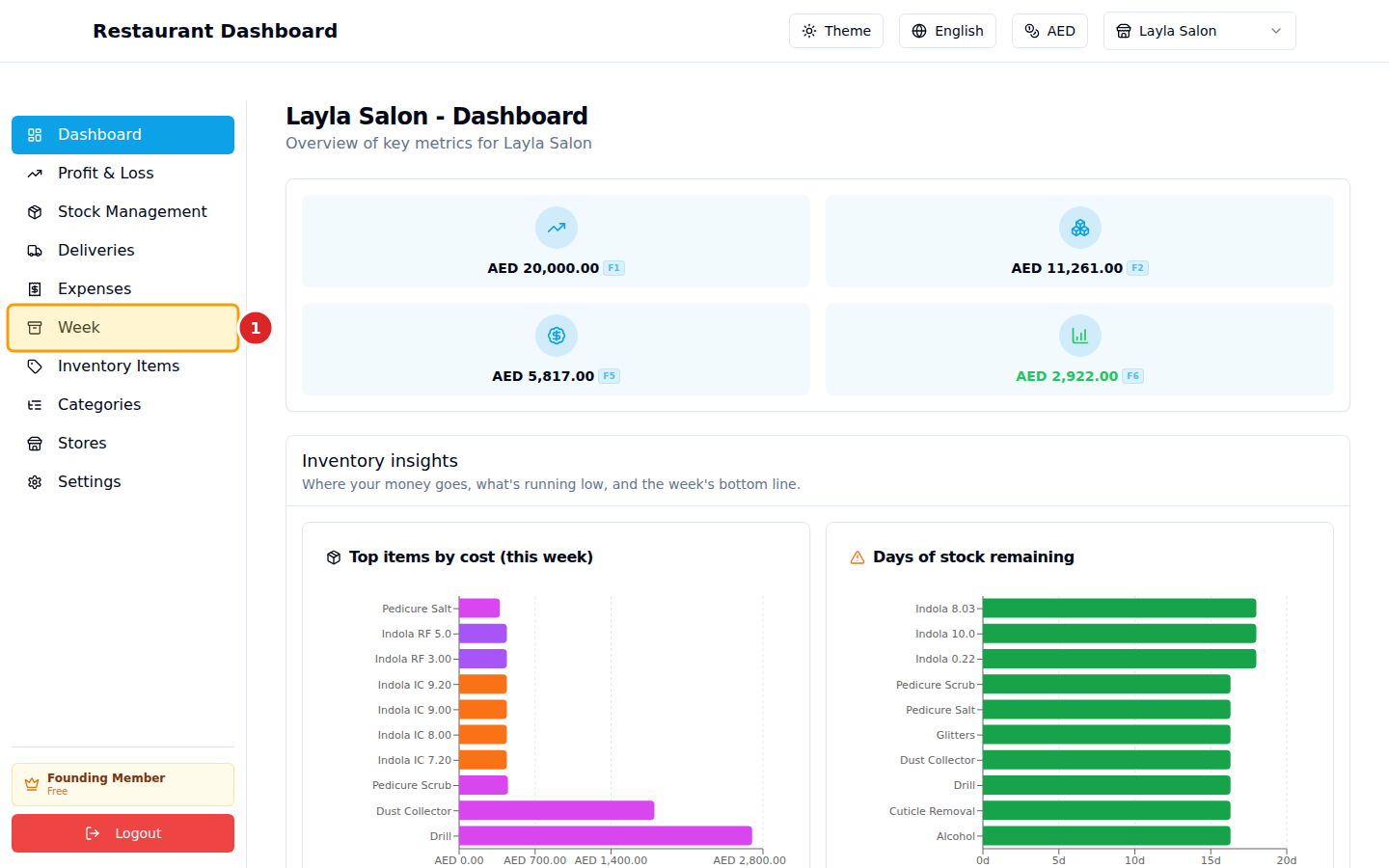
1. Open Week
2. Four actions
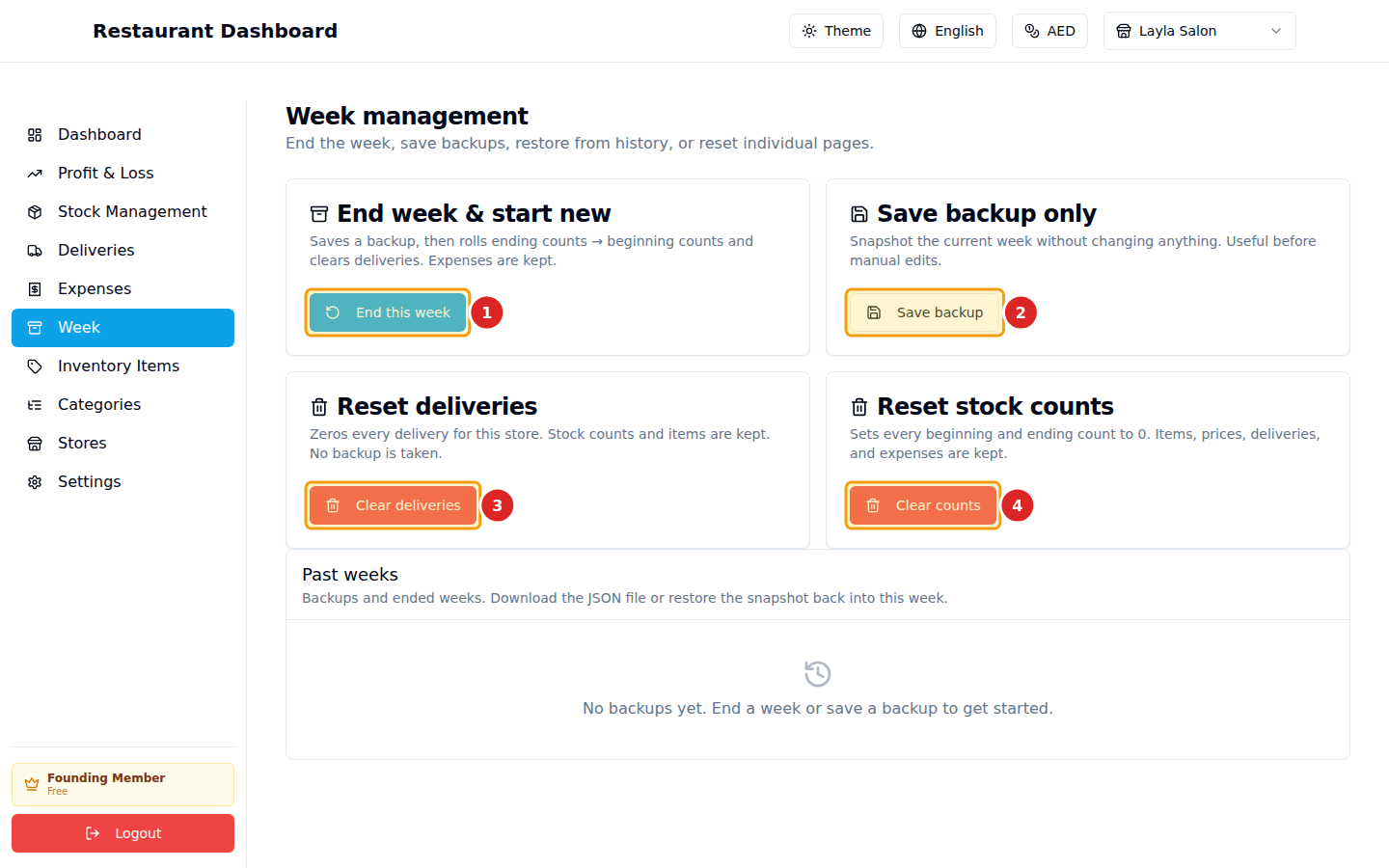
End this week — your weekly close. Saves a snapshot of everything (items, counts, deliveries, expenses, computed P&L) into the archive, then rolls Ending counts → Beginning counts for the new week and clears all deliveries. Expenses are kept (recurring rent, wages, etc.). Items, categories, and prices are kept.
Save backup — same snapshot, no rollover. Useful before a risky bulk change ("import 50 deliveries from Excel — let me back up first"). The archive list shows it alongside ended weeks.
Clear deliveries — wipes every delivery for this store and sends Stock Management's Deliveries column back to 0. Doesn't touch counts, items, or expenses. Doesn't auto-backup — only click if you're sure.
Clear stock counts — zeros every Beginning and Ending count. Items, deliveries, expenses untouched. Doesn't auto-backup.
All four actions show a confirmation dialog before doing anything destructive. End-of-week and Save backup also prompt you for a label ("Week 17, 2026").
Past weeks
Below the four cards, a table of every archive (ended weeks + backups), each with:
- Label + timestamp
- Revenue / COGS / Expenses / Net Profit at archive time
- Download — saves the full snapshot as a JSON file you can keep.
- Restore — replaces current state with this archive (auto-saves a "pre-restore" backup first, so even Restore is reversible).
Suggested rhythm
- Sunday morning (or whatever your week starts): nothing — your Beginning counts are already there from last week's close.
- Throughout the week: log deliveries as they arrive.
- Saturday night (or close-of-week): enter Ending counts. Glance at P&L. Click End this week. Done.
Common questions
I ended the week by mistake. No problem — go to Past weeks → find the snapshot from before the close → click Restore. Your previous state comes back; the accidental close stays in the archive list as a record.
Can I delete an old archive? Not from the UI. Storage is cheap; archives are tiny (one row of JSON). If you really need to, you can delete via DB.
How do I export everything (e.g. for tax filing)? Click Download on each weekly archive — each is a complete JSON snapshot. (Excel export of all archives in one zip is on the roadmap.)