Tracking Expenses
Expenses are everything that costs you money but isn't inventory: rent, salaries, electricity, marketing, repairs. They feed directly into the Net Profit line on your P&L.
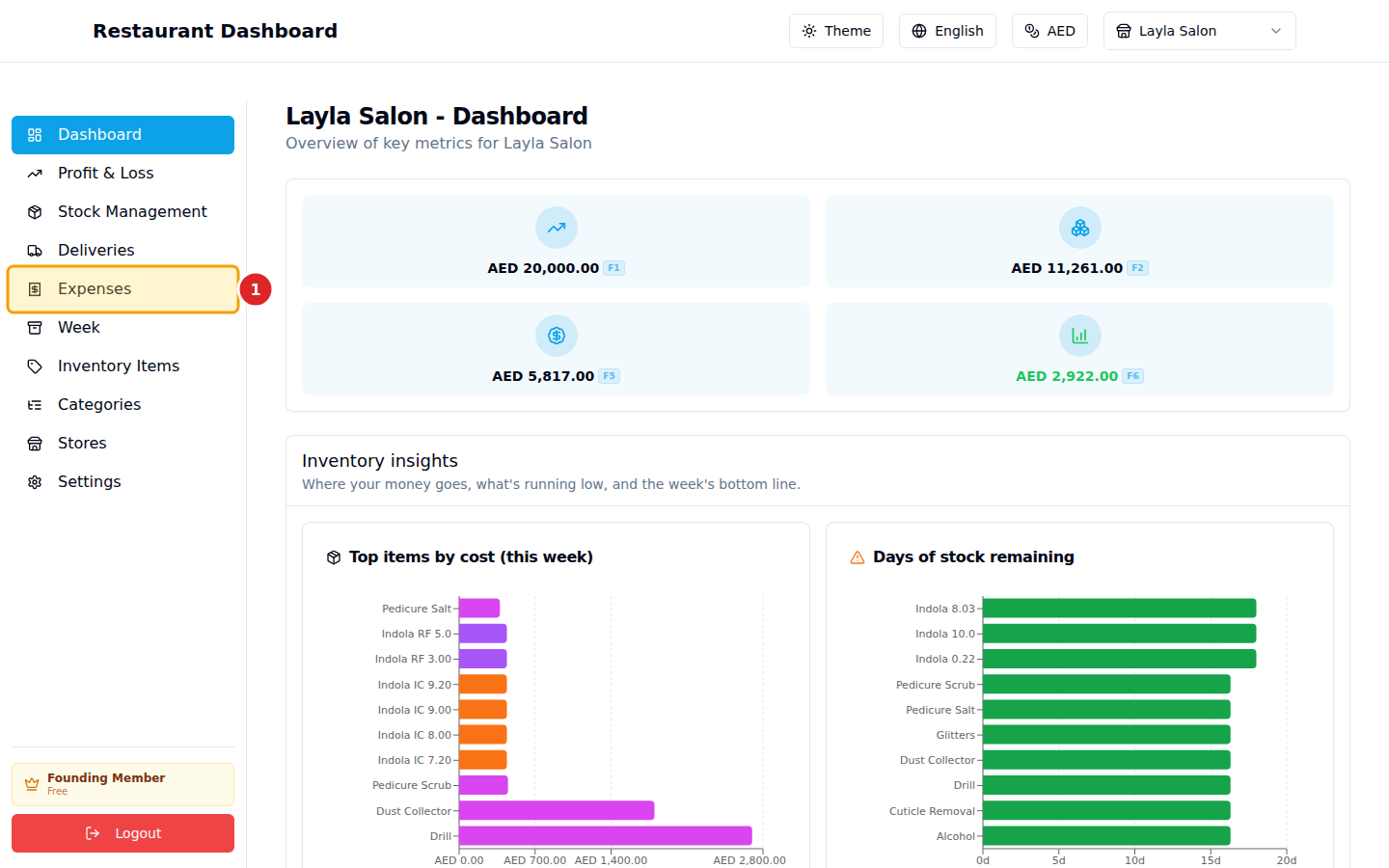
1. Open Expenses
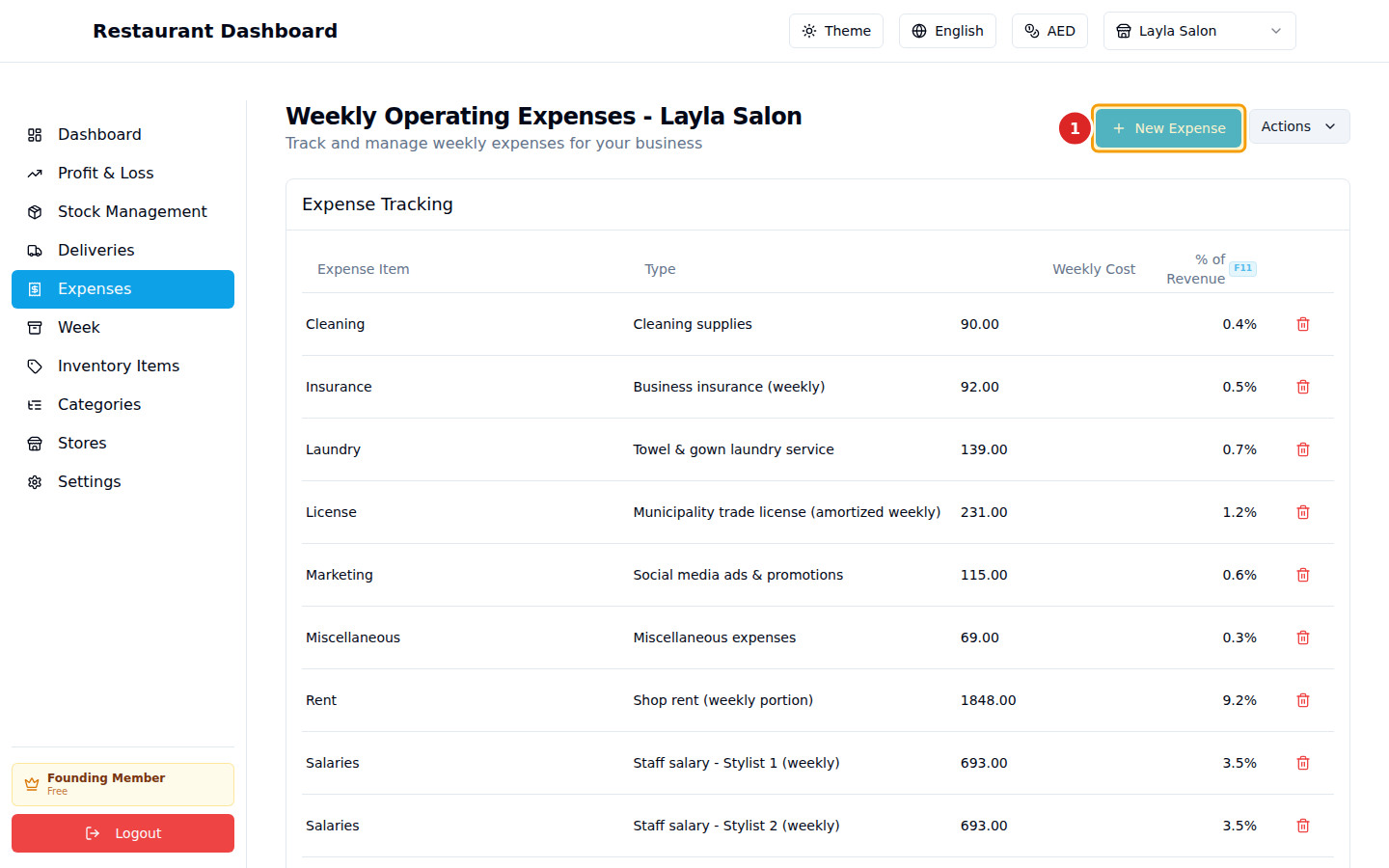
2. Click "New Expense"
3. Fill the form
The form asks for:
- Category — type a label (Rent, Wages, Utilities, etc.). Used later to break down expenses on the P&L.
- Amount — the cost.
- Day — optional, for day-level tracking. Leave blank for "anytime this week".
- Notes — optional context.
Click Save and the expense joins the list. The total updates in real time, and the percentage of revenue (amount ÷ revenue × 100) is shown next to each entry.
How it lands on the P&L
Total Expenses is summed and shown as a single line on the Profit & Loss page. Net Profit = Revenue − COGS − Total Expenses.
Common questions
Are recurring expenses re-entered each week? Currently yes — the Week → End this week rollover keeps expenses intact (they don't reset like deliveries do). So once you enter rent once, it carries to the next week unchanged. You only need to edit when an amount actually changes.
Can I delete or edit an expense? Yes — click the row's edit/delete icon. Soft-deleted, so historical totals stay accurate.